Orange Money, MTN MoMo, or Card? Picking the Right Payment Setup for African Service Businesses
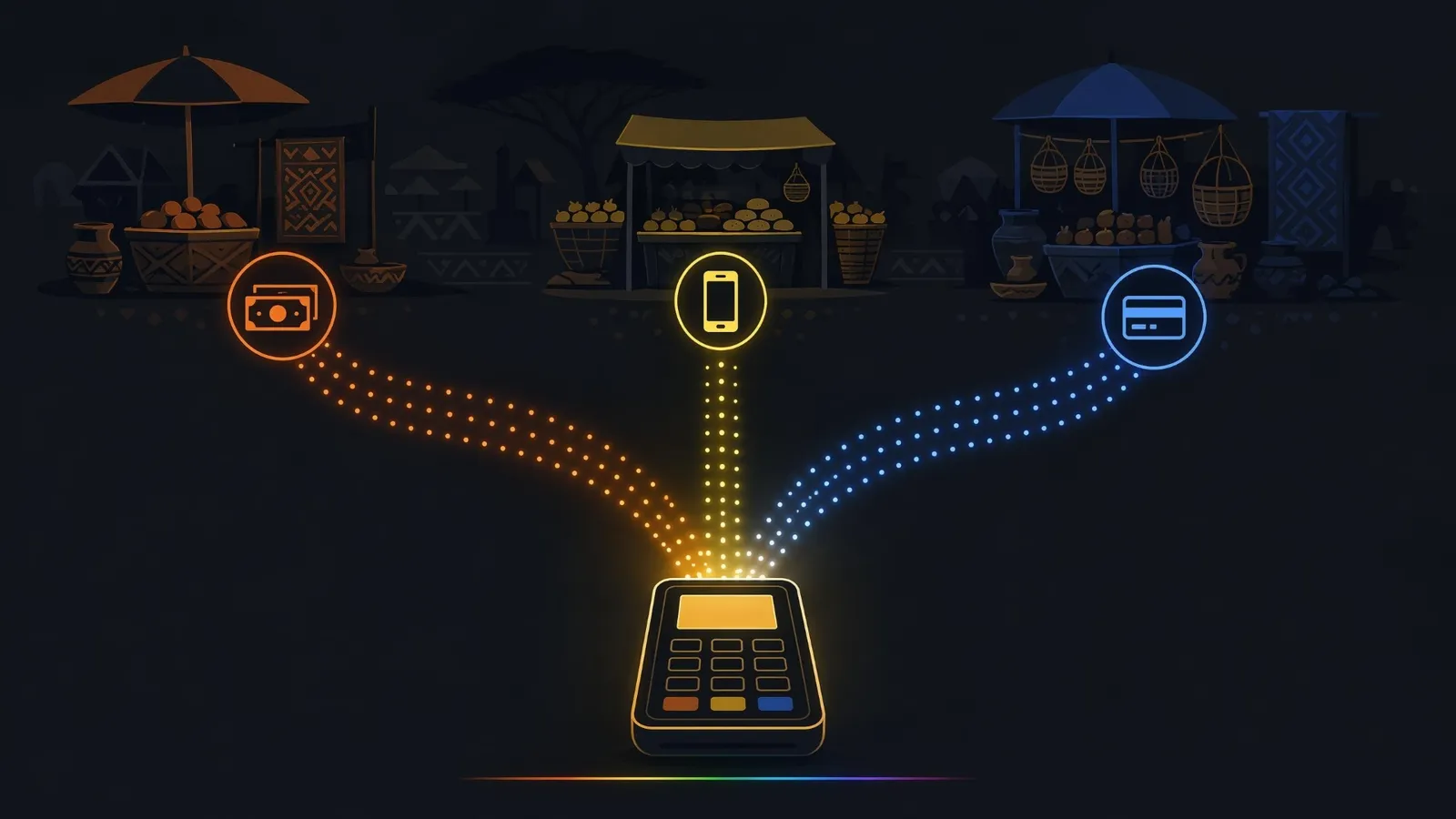
A business website in Cameroon with a card-only checkout is a shop with the door half closed. Most of your real customers pay with their phone, not with a Visa card. If your payment page does not speak Orange Money and MTN Mobile Money, they will not adapt to you. They will simply buy from someone who speaks their language.
This is not a small detail of e-commerce setup. It is the single decision that determines whether your online payments actually get used.
Mobile money is the default, not the backup
In Cameroon and across Central and West Africa, mobile money adoption far outstrips card ownership. Salaries land in MoMo wallets. Rent gets paid by transfer code. School fees, electricity, groceries: the phone is the bank.
That reality inverts the logic most payment tutorials teach. International guides treat cards as the standard and "alternative payment methods" as an add-on. In your market it is the reverse: mobile money is the standard, and the card option exists for the minority, for diaspora customers, and for international clients.
The practical rule: if your customers are primarily local, mobile money goes first in the checkout, visually and technically. Cards come second.
What Orange Money and MTN MoMo each require
Both operators offer merchant payments, and both can be integrated into a website. Here is what to expect on each side:
Orange Money
- You need a registered merchant account, which means business documents (registration, taxpayer ID) and a validation process with Orange.
- API access goes through Orange's developer program. Approval is not instant; plan for days to weeks, not hours.
- Settlement lands in your Orange Money merchant wallet, from which you transfer out.
MTN Mobile Money
- Same principle: a MoMo merchant (or "MoMo API") account backed by business documents.
- MTN's developer portal provides sandbox access quickly, but production keys require the merchant validation to be complete.
- Settlement works similarly, wallet first, then transfer.
The shortcut most businesses actually use: an aggregator. Payment aggregators active in the region bundle Orange Money, MTN MoMo, and cards behind one API and one contract. You trade a slightly higher fee per transaction for one integration instead of three, one dashboard, and much faster time to live. For most service businesses, that trade is worth it. Direct operator integration starts to make sense at high volume, where the per-transaction saving outweighs the extra maintenance.
One honest warning: whichever route you choose, the paperwork is the slow part, not the code. Start the merchant validation before the website build finishes, not after.
Combining mobile money and card without wrecking your checkout
The mistake is not offering three payment methods. The mistake is making the customer think about infrastructure. A good combined checkout follows three rules:
- One screen, one choice. Show Orange Money, MTN MoMo, and card as three large tappable options with logos. No dropdown menus, no "select payment gateway" language.
- Ask for the number only when needed. A MoMo payer needs to enter a phone number and confirm on their handset. Keep it to exactly that: number, amount shown clearly, confirm prompt. Every extra field costs you completed payments.
- Handle the pending state honestly. Mobile money confirmations can take 30 to 90 seconds. Show a clear "confirm the prompt on your phone" screen with a live status, not a spinning wheel that looks broken. Most abandoned mobile money payments die on this screen, not on the choice screen.
This combined stack, mobile money first with card fallback, is exactly what we wire into e-commerce and booking sites built for African clients. If your project needs it, our web app services cover the full integration, merchant paperwork guidance included.
A quick decision guide
- Local customers only, low volume: start with an aggregator, both mobile money operators enabled, skip cards for now.
- Local plus diaspora or international clients: aggregator with mobile money first and card second. This covers a relative in Paris paying school fees as smoothly as a client in Douala.
- High volume, established business: consider direct operator integrations for the fee savings, but only once the volume justifies maintaining two separate integrations.
- Selling to Europe or North America primarily: cards and bank-linked methods lead, mobile money becomes the secondary option.
Whatever the mix, measure one number monthly: payment completion rate, meaning of the people who reached the payment screen, how many finished. The rule we use: below roughly 60%, the checkout has friction worth fixing; above 80%, the setup is doing its job.
Quick checklist
Before choosing your payment setup, confirm that:
- your business is legally registered with the documents merchant validation will ask for
- you know whether your customers are mainly local, diaspora, or international
- you know which payment methods those customers already use daily
- mobile money appears first in the checkout if your customers are mainly local
- your checkout works properly on a phone, not just on desktop
- the pending state tells the payer to confirm the prompt on their handset
- customers receive a confirmation after payment
- you can track successful and failed transactions in one place
Setting up payments for a site you are planning or already running? Book a free 20-minute call. No pitch, just a clear map of which setup fits your customers and what the paperwork will actually involve.
Too busy for a call right now? Send us your project through the contact form. It is already prefilled for this topic, so it takes two minutes. Or message us directly on WhatsApp. Either way, you get a concrete answer within 24 hours.