Stop Losing Clients to Scheduling Ping-Pong: Online Booking That Fills Your Calendar
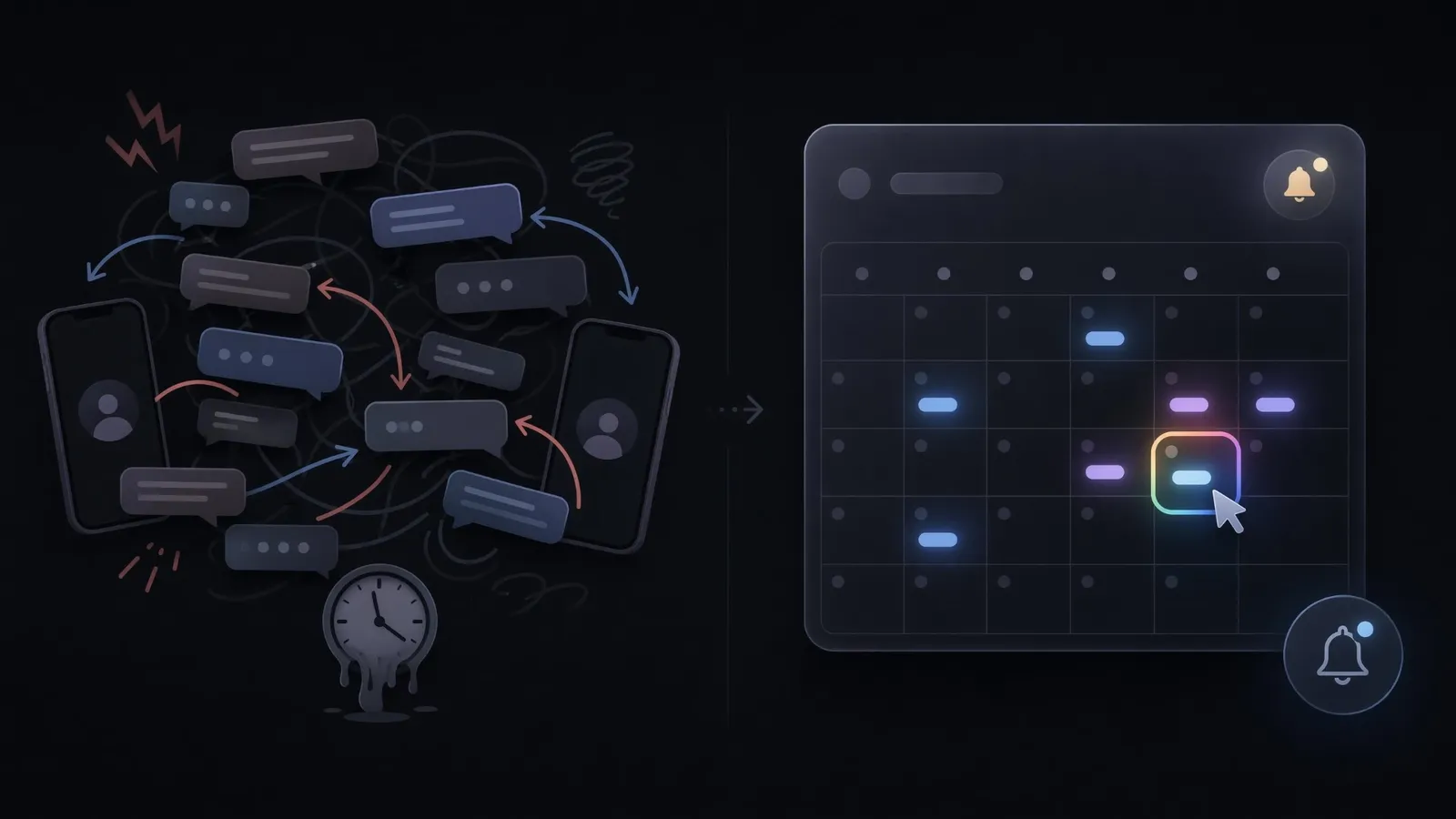
Count the messages it took to schedule your last client appointment. If the answer is more than two, you played scheduling ping-pong: the back-and-forth of proposed times, missed replies, and "actually, can we move it?" that every service business knows by heart. Each round of that game is a lead cooling down, and some never warm back up.
This post covers what the game actually costs, what a proper online booking flow includes, and the implementation mistakes that quietly sabotage it. The booking system on this site is the same one we build for clients, so at the end you can simply try the thing the post describes. First, the bill nobody itemizes.
The hidden invoice of manual scheduling
Manual scheduling feels free because the costs arrive in disguise:
- Cooling leads. A prospect who asks for an appointment is at peak motivation. Every hour of ping-pong discounts it. The lead that says "let me get back to you" after three rounds of time-haggling usually does not.
- No-shows. No confirmation, no reminder, no commitment device. Manual bookings no-show at rates that quietly eat 10 to 30 percent of a calendar, and each no-show is an hour of your inventory destroyed.
- Timezone roulette. The moment you serve anyone beyond your city, "Thursday at 3" becomes a coin flip. Missing one international call because of a timezone mix-up costs more trust than any discount recovers.
- The midnight shift. Enquiries arrive at 22:00; you either answer during family time or let them cool overnight. The unpaid dispatcher role has no holidays.
What a proper booking flow includes
A booking system is not a calendar embed. The complete flow has five parts, and skipping any of them refunds the benefit:
- Live availability with rules. The client sees only slots you actually offer: your buffers, your days, your lead time. No slot that conflicts, no negotiation, one tap to claim.
- Timezone awareness end to end. The visitor books in THEIR timezone; you see it in YOURS; the confirmation email states both. This one feature makes international clients feel effortless instead of risky.
- Instant confirmation, both directions. The client gets a professional email in their language; you get the booking in your dashboard, not buried in a chat thread.
- Automated reminders. A message the day before, with a reschedule link. This is the no-show killer, and it runs without you remembering anything.
- CRM capture. The booking creates a lead record automatically: name, contact, service interest, message. Six months later you still know who booked, what for, and what happened next.
The qualifying details matter too: ask two or three questions at booking (service needed, rough budget), and the call starts prepared instead of exploratory. Twenty prepared minutes outperform sixty cold ones.
The mistakes that sabotage good systems
Booking tools fail in predictable ways, all self-inflicted:
- Too many form fields. Every field past four costs completions. Name, contact, service, one context question. The rest belongs in the call.
- No buffers. Back-to-back bookings with zero margin turn a full calendar into a late calendar by 11:00. Build in the gaps you actually need.
- Burying the button. A booking system linked only from the contact page footer is a secret. "Book a call" belongs in the navigation, on service pages, and at decision points.
- Reminder silence. Confirmation without a day-before reminder solves half the no-show problem and leaves the other half on the table.
- A dead end after booking. The confirmation page and email should tell the client what happens next and what to prepare. Certainty is part of the product.
Try the demo (that is literally the pitch)
The mid-article CTA of this post is unusually simple: the booking flow on this site is the exact system described above, timezone handling, trilingual confirmations, CRM capture and all. Click it, watch what it does, and you have evaluated the product without a sales conversation.
Booking is also the gateway drug of automation: once appointments run themselves, the natural next question is what else should, and the four automations actually worth building answers it in order.
One number tells you whether you need this: count last month's appointments, multiply by the messages each took to schedule, and add the no-shows. That total, in hours and lost slots, is what ping-pong invoiced you.
Quick checklist
Before you accept your current scheduling, confirm that:
- clients see live availability with your buffers, not a "what time works?" thread
- bookings are made in the client's timezone and shown to you in yours
- both sides get an instant confirmation, in the client's language
- an automatic reminder goes out the day before, with a reschedule link
- each booking creates a lead record automatically, not a lost chat message
- your booking form asks four fields or fewer
- the "book" button sits in the navigation and on service pages, not just the footer
- the confirmation tells the client what happens next and what to prepare
If the number stings, book a free 20-minute call, through the system, naturally. No pitch, just a look at what scheduling automation would return in your specific week.
Too busy for a call right now? Send us your project through the contact form. It is already prefilled for this topic, so it takes two minutes. Or message us directly on WhatsApp. Either way, you get a concrete answer within 24 hours.